Shop
Akers of Lawn

Orbit B-Hyve XD Bluetooth 1-Port Tap Timer
Orbit B-Hyve XD Bluetooth 1-Port Tap Timer
Couldn't load pickup availability
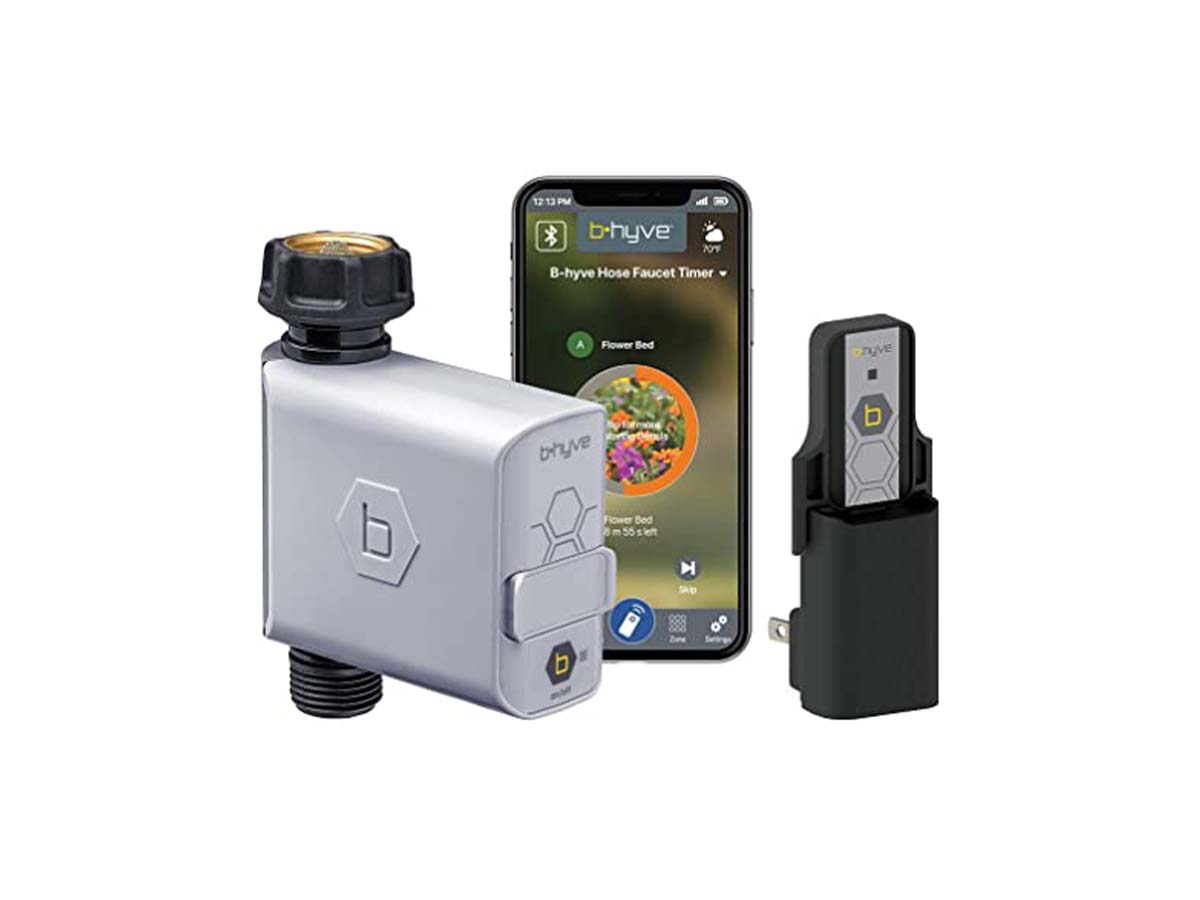
Water your lawn and garden from your phone. Never forget the tap again!
Fit it to your tap, set a schedule in the free B-Hyve app, and your garden and lawn get watered whether you’re home or not.
No more dead plants from a forgotten tap, and no more soggy lawns from one left running.
Works with irrigation systems. Connect it to your tap and it runs your sprinklers, drip lines or in-ground irrigation on a schedule. One timer runs one zone.
Set it once. It remembers your schedule and keeps watering when you’re away.
Change it from the couch. Control it from your phone from up to 50m away over Bluetooth.
Still works if Bluetooth drops. It keeps running your saved schedule.
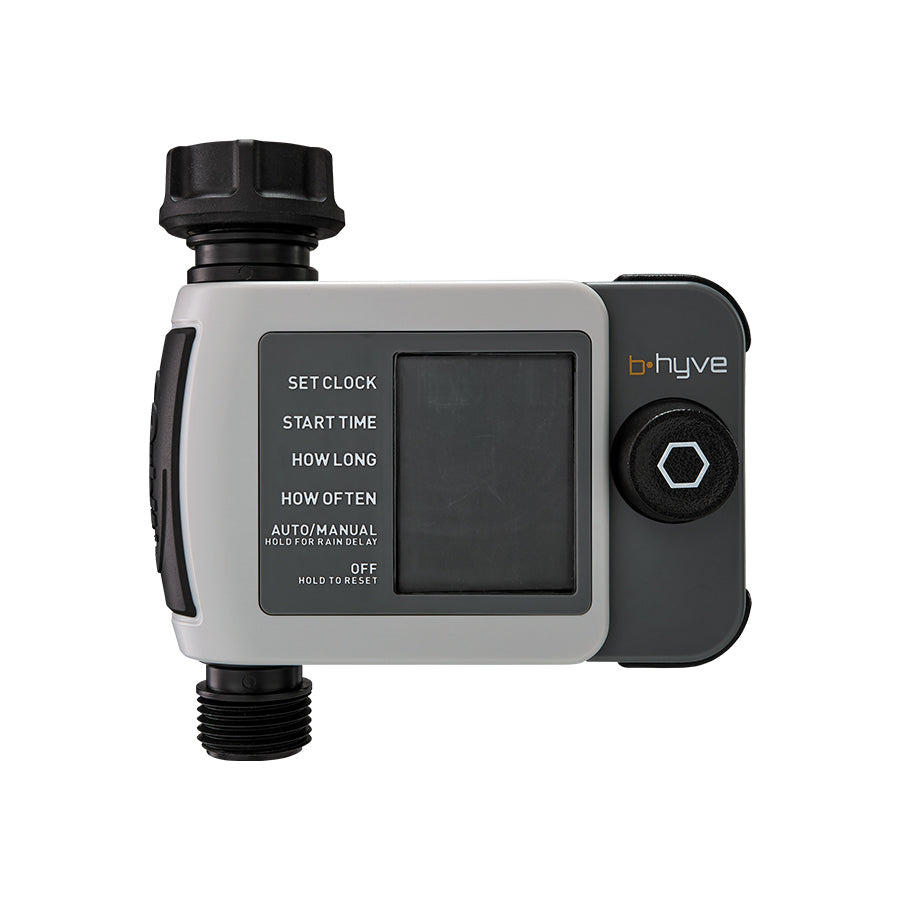
Manual control. Turn the water on or off at the timer anytime.
How it works
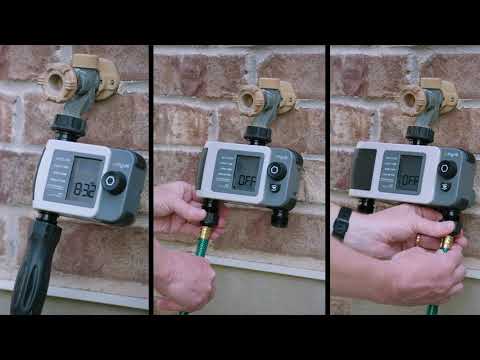
- Screw it onto your tap.
- Download the free B-Hyve app (iPhone and Android).
- Set your watering days and times.
Want to control it from anywhere? Add the B-Hyve Gen 2 Wi-Fi Hub to manage it from anywhere, not just when you’re nearby.
Features:
- Large easy-to-read digital display
- Easy set up
- Fully programmable and adjustable using the easy-to-use app on a Bluetooth device
- Manual option for instant tap use
- Add Wi-Fi connectivity with a B-Hyve Gen 2 Hub (sold separately)
- 4 start times per program
- 1-240 minute run time per station
- Rain delay options of 1-7 days
- High quality construction
- Bluetooth Operating Range: up to 50 metres
- Recommended pressure: 68 – 680kPa
- Requires two AA batteries (not included)
Videos
Info Documents / links
Quick Start Set Up Guide Document download
Orbit Connect Set Up guides (detailed non video step by step guides)
How to - Pair your B-hyve XD Timer via (Bluetooth only)
How to - Pair your B-Hyve XD Timer with your wifi network
How to - Set up your B-hyve XD Timer without an App
How to - B-hyve XD Advanced Programing
How To - General Connection Troubleshooting